
Data Analytics With AI Tools
Home » Data Analytics With AI Tools
New Batch Starting Soon — Limited Seats
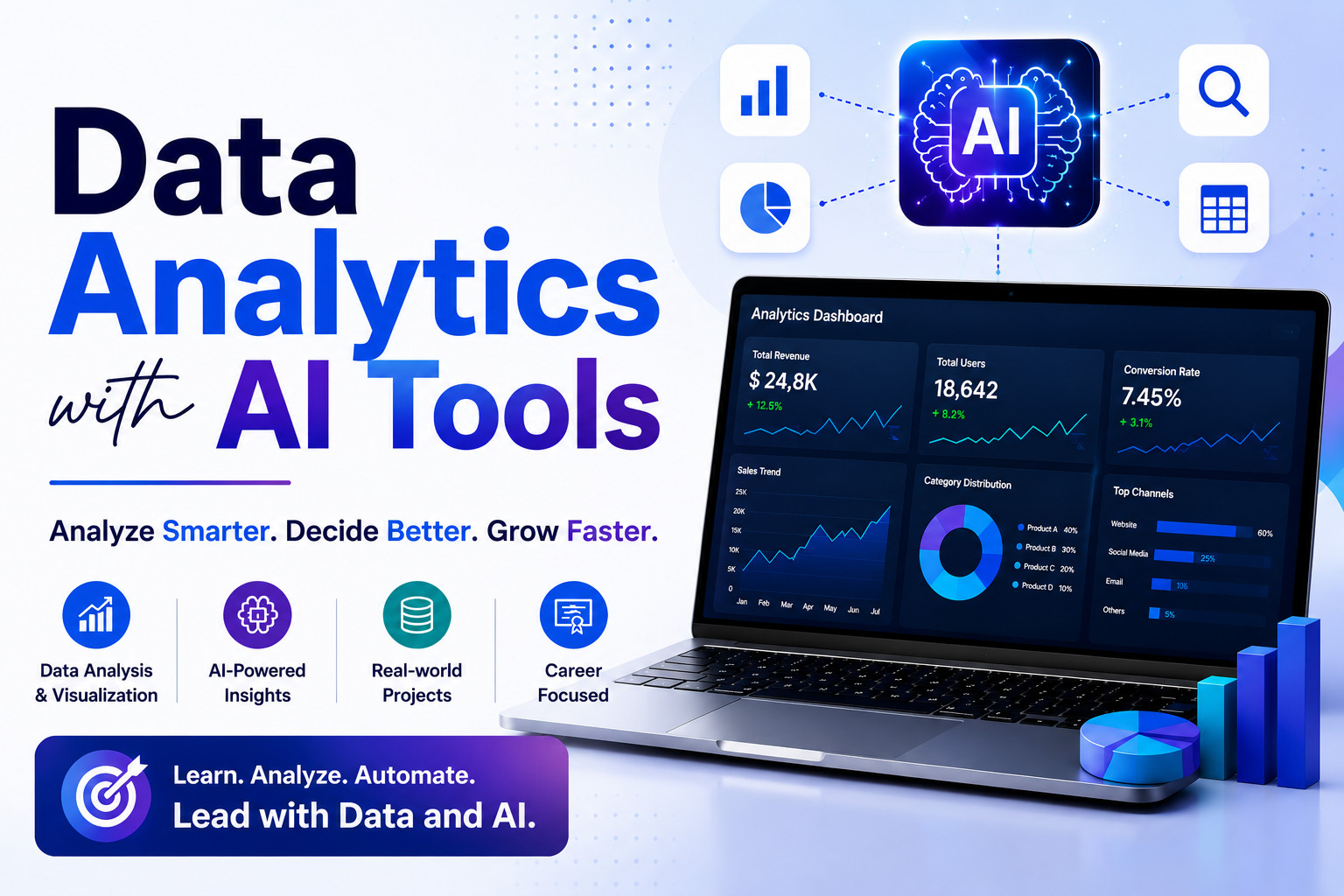
Data Analytics with AI Tools
Learn to clean data, build dashboards, and deliver insights using Excel, SQL, Power BI, Python, and AI — in just 12 weeks.
- No prior IT or coding experience required
- Hands-on training with real-world business datasets
- AI-powered analytics workflows with modern tools
- Complete interview preparation & career guidance
2,500+
Students Trained
5+
Tools Covered
10+
Years Experience
Career Outcomes
Unlock High-Demand Data Roles
Companies don't hire certificates — they hire skills. This program prepares you for the roles employers are actively hiring for across Canadian industries.
Data Analyst
Query, clean, and visualize business data to support strategic decisions across departments.
SQL Analyst
Extract, filter, and aggregate data from relational databases used in finance, retail, and operations.
BI Analyst
Build professional Power BI dashboards that communicate insights visually to business stakeholders.
AI-Assisted Analyst
Leverage AI tools to accelerate analysis, generate insights, and draft data-driven reports faster.
The Struggle
Where most people get stuck
- Applying to dozens of analyst jobs with no interview callbacks
- Overwhelmed by SQL, Python, and Power BI — unsure where to start
- Completed free courses but can't land a job without portfolio projects
- No hands-on experience to show hiring managers
The Solution
How this program gets you hired
- Real-world simulations that produce actual portfolio deliverables
- Clear, structured 12-week path from beginner to job-ready analyst
- Interview readiness built into every single week
- AI tools integrated as productivity accelerators, not shortcuts
Why This Course
Built for Outcomes, Not Just Learning
Every module is designed around actual data analyst job postings — not academic theory.
Learn by Doing
Spend the majority of your time analyzing, building dashboards, and presenting findings — not watching slides.
Interview Confidence
Interview prep is woven into every week so by week 12, technical questions feel familiar, not frightening.
AI as a Productivity Tool
Use AI tools such as ChatGPT and Claude the way high-performing analysts use them — to accelerate output, not replace understanding.
Real Work Simulation
Assignments mirror the actual workflow inside a company — messy data, stakeholder presentations, and executive dashboards.
Built on Job Requirements
Every module is designed around actual job postings and what Canadian hiring managers look for in analysts.
Career Guidance Throughout
Resume building, LinkedIn optimization, and portfolio curation are embedded into the program from week one.
Is This Right For You?
Everything You Need to Know
Who Should Join
- Career switchers from non-IT fields
- Complete beginners with no data experience
- Accountants, marketers & operations professionals
- Professionals upgrading to SQL, Power BI, or Python
Prerequisites
- Basic computer knowledge
- No programming skills needed
- Willingness to learn and practice
- A laptop with internet access
Why This Course
- Curriculum aligned with Canadian job market
- Real-world datasets — not textbook examples
- Interview training from day one
- AI tools integrated throughout every session
Why Roicians
- 10+ years of industry experience
- Training by working practitioners
- Complete career guidance & mentorship
- Your success is our only metric
Don't wait — the next batch is filling up fast
Course Curriculum
What You Will Learn
12 weeks of structured, hands-on training covering everything from SQL and Excel to AI-powered insight generation.
Week 1: Introduction to Data Analytics
- The analyst’s role in business
- Excel navigation, data types, basic formulas
- Explore a sample business dataset
- Use ChatGPT to explain data concepts
- What does a data analyst do?
Week 2: Data Cleaning Fundamentals
- Removing duplicates, handling nulls, formatting
- Clean a messy HR or sales dataset
- Use AI to identify cleaning steps
- Walk through on data cleaning process
Week 3: Excel for Analysis
- Pivot tables, VLOOKUP, IF statements
- Build a sales summary report
- Generate formula suggestions with AI
- Excel skills-based interview questions
Week 4: Introduction to SQL
- SELECT, WHERE, ORDER BY, LIMIT
- Query a customer database
- Write queries using ChatGPT prompts
- Basic SQL interview questions
Week 5: Intermediate SQL
- JOINs, GROUP BY, aggregate functions
- Analyze transactional business data
- Use AI to troubleshoot query errors
- Intermediate SQL problem-solving
Week 6: Introduction to Power BI
- Connecting data, building visuals, filters
- Build a regional sales dashboard
- AI-assisted insight generation
- Describe a dashboard you built
Week 7: Advanced Power BI
- DAX basics, slicers, drill-through pages
- Build a multi-page executive dashboard
- Use AI to suggest DAX formulas
- Dashboard design best practices
Week 8: Python Fundamentals for Analysts
- Pandas: loading, filtering, summarizing data
- Automate a repetitive Excel task
- Use AI to generate and explain Python code
- When would you use Python vs. Excel?
Week 9: Data Visualization & Storytelling
- Choosing the right chart type
- Create a stakeholder-ready summary report
- AI-assisted report writing
- How do you present to non-technical audiences?
Week 10: Business Insight Generation
- Identifying trends, anomalies, and recommendations
- Deliver a full business analysis briefing
- Use AI to validate and enhance insights
- Tell me about a time you found a business insight
Week 11: Analytics Work Simulation
- End-to-end: querying → cleaning → dashboard → presentation
- Simulate a real analyst deliverable
- AI used throughout the workflow
- Mock interview panel (full round)
- Full mock interview panel
Week 12: Career Launch Week
- Portfolio review and polish
- Resume finalization & LinkedIn profile
- Present portfolio to simulated hiring panel
- Use AI to refine resume and LinkedIn summary
- Final mock interview + feedback session
Tools & Technologies
Master the Tools Used in Real Jobs
The exact toolkit used by data analysts across Canadian industries — taught in context, not in isolation.
Excel
Data cleaning, pivot tables, formulas, and basic analysis — the foundation of every analytics role.
SQL
Write queries to extract, filter, and aggregate data from relational databases used in real businesses.
Power BI
Build interactive, professional-grade dashboards that communicate insights visually and clearly.
Python
Practical scripting for data manipulation and automation — focused on analyst use cases, not software development.
AI Tools
Use ChatGPT and Claude to accelerate SQL writing, data interpretation, and report drafting on the job.
How It Works
Your Journey to Job-Ready Data Analyst
Strong Foundation
Understand core analytics concepts, Excel, and SQL fundamentals with an AI-driven approach.
Practice on Real Projects
Work on realistic business datasets — cleaning, querying, visualizing, and presenting findings.
Prepare for Interviews
Practice technical and behavioural questions every week so interviews feel familiar, not frightening.
Get Job-Ready
Complete guidance on resume building, portfolio curation, LinkedIn optimization, and job search strategy.
What Our Students Say
Students Reviews
I had no prior IT background, but the Data Analytics with AI Tools training at Roicians made learning very comfortable and structured.
The course included SQL, Excel, Power BI, reporting, visualization, and AI-assisted analytics workflows. I especially liked the hands-on assignments and real-world datasets used during training.
This is an excellent course for beginners, non-IT professionals, and anyone planning a career transition into data analytics.
Amardeep S
The AI integration was a game-changer. Learning how to use ChatGPT and Claude as real productivity tools — not just as shortcuts — gave me a huge edge in interviews. Every interviewer was impressed.
Kwame Asante
I was a marketing coordinator before this program. The hands-on simulations gave me real experience I could talk about in interviews. The mock panels every week built my confidence enormously. Highly recommend.
Priya Nair
I joined the Data Analytics with AI Tools course at Roicians to upgrade my career into the data field, and the learning experience exceeded my expectations.
The course covered SQL, Power BI, Excel, dashboards, data visualization, and AI tools in a very practical and beginner-friendly way. The live projects and real business scenarios helped me understand how data analytics works in real companies.
Highly recommended for anyone looking for a practical Data Analytics course in Canada with modern AI integration.
Emily C.
One of the best things about this course is that it focuses on real industry expectations instead of outdated theory.
We learned how to analyze data, create dashboards, generate insights, and use AI tools to improve productivity and decision-making. The instructor explained complex analytics concepts in a simple and practical manner.
If you want to become a job-ready Data Analyst with AI skills, this course is definitely worth joining
Rahul Mehta
One of the best things about this course is that it focuses on real industry expectations instead of outdated theory.
We learned how to analyze data, create dashboards, generate insights, and use AI tools to improve productivity and decision-making. The instructor explained complex analytics concepts in a simple and practical manner.
If you want to become a job-ready Data Analyst with AI skills, this course is definitely worth joining
Rahul Mehta
Detailed Course Information
Course Schedule
| Start Date | Weekend/ Weekdays | Duration | Mode | Action |
|---|---|---|---|---|
| 21 June 2026 | Weekend (Saturday + Sunday) 10:00 AM - 01:00 PM | 39 Hours | Online | Enroll Now |
FAQs
Frequently Asked Questions
Below are some of the frequently asked questions related to data analytics with AI tools course in Canada
What is the Data Analytics with AI Tools course at Roicians?
The Data Analytics with AI Tools program at Roicians is a practical, career-focused training program designed to teach students how to analyze data, create dashboards, generate business insights, and use AI tools in modern analytics workflows.
Who should join this Data Analytics course?
This course is suitable for beginners, students, working professionals, business analysts, manual testers transitioning into analytics, and professionals looking to upgrade with AI-powered data skills.
Does this course include AI tools?
Yes. Students learn how to use AI tools for data analysis assistance, report generation, data interpretation, productivity improvement, dashboard support, and analytics workflows.
What tools and technologies will I learn?
Students learn Excel, SQL, Power BI, Tableau, Python for analytics, ChatGPT for analytics workflows, AI-powered reporting techniques, and data visualization tools.
Is coding required for Data Analytics?
Basic technical understanding helps, but advanced coding is not mandatory for beginners. The course is designed to gradually introduce technical concepts in a practical way.
Is this course suitable for beginners?
Yes. The program is beginner-friendly and starts from foundational concepts before moving into advanced analytics and AI-powered workflows.
What career opportunities are available after this course?
Students can apply for roles such as Data Analyst, Junior Data Analyst, Reporting Analyst, BI Analyst, Dashboard Analyst, and Data Visualization Specialist.
Does Roicians provide live classes?
Yes. Roicians provides instructor-led live online training sessions along with access to recordings for revision and practice.
Will I work on real-world projects?
Yes. The program includes practical assignments, dashboards, analytics scenarios, and real-world projects.
What is the duration of the Data Analytics course?
The duration may vary depending on the batch and schedule. Please contact Roicians directly for the latest batch timings and course structure.
Will I receive recordings of the classes?
Yes. Students typically receive access to session recordings for revision and practice purposes.
Does the course include interview preparation?
Yes. The program includes resume guidance, interview preparation, practical analytics scenarios, and real-world project discussions.
Is SQL included in the course?
Yes. SQL is an important part of the program because modern data analysts frequently work with databases and data querying.
Why is AI important in Data Analytics?
Modern businesses increasingly use AI to speed up reporting, automate repetitive tasks, generate insights, and improve decision-making.
What makes Roicians different from other Data Analytics courses?
Roicians focuses on practical learning, AI-integrated analytics workflows, real-world scenarios, industry-relevant tools, beginner-friendly teaching, and career-focused training.
Is this an online Data Analytics course?
Yes. The program is delivered online through live instructor-led sessions.
Do I need a technical background to join?
No. Many students join from non-technical or non-IT backgrounds. The course is structured to help beginners gradually build technical confidence.
Can working professionals join this course?
Yes. The program is suitable for working professionals looking to upgrade their skills or transition into analytics-related roles.
How do I enroll in the Data Analytics with AI Tools course?
You can enroll by contacting Roicians through the website, phone, email, or social media channels.
 Call us:+1 (289)-499-4040
 Contact Us